Display Refresh Rate
Refresh rates are measured in Hz (Hertz) and the number represents the total number of display redraws per second. The higher the refresh rate, the smoother the motion that a screen can reproduce. The lower the refresh rate, the more flickering, stuttering and jittering the user will see, and the more likely it is to cause visual fatigue. If you are developing an FPS (First-person Shooting game) or racing game where rapid head movements or field of view rotation can cause blurring or tearing, using a high refresh rate will smooth out the image, reduce lag and ghosting at high speed shifts and reduce vertigo.
Set Refresh Rate
By default, the SDK supports a 72 Hz refresh rate. You can change the default setting to run your project at higher refresh rates.
You could set the refresh rate by using the blueprints.
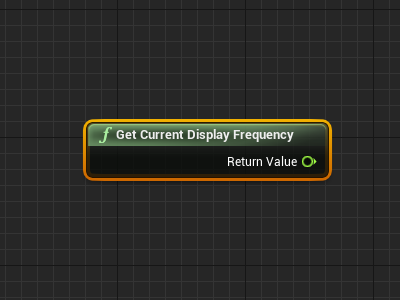
Use the following blueprint to get the current refresh rate:
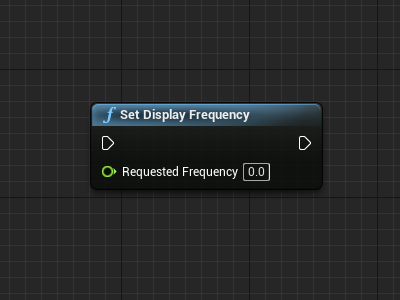
Use the following blueprint to set the current refresh rate:
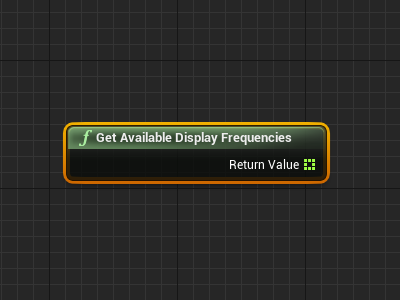
Use the following blueprint to get the available refresh rate: